Containers & Virtualization
// Sandboxing, local virtual network switching, and server virtualization
> Docker
Official WebsitePrimary Purpose
Containerization platform.
Development Advantages
Guarantees reproducible dev, staging, and prod environments. Eliminates local software pollution (like database installs) by spinning up isolated containers.
// Setup & Installation Guide
# Install Docker Engine and Docker Compose on Linux
sudo apt-get update
sudo apt-get install -y docker.io docker-compose-plugin

# Start and enable the Docker daemon
sudo systemctl enable --now docker

# Verify setup
docker --version && docker compose version
Practical Integration & Usage Example
# Dockerfile for isolated firmware testing build harness
FROM ubuntu:22.04

# Install compilation toolchains and network requirements
RUN apt-get update && apt-get install -y \
    build-essential \
    gcc-multilib \
    iputils-ping \
    python3-pip \
    curl && \
    rm -rf /var/lib/apt/lists/*

WORKDIR /workspace

---
# docker-compose.yml for parallel runner VM emulation
version: '3.8'
services:
  test-runner-1:
    image: hil-build-harness:latest
    volumes:
      - ./tests:/workspace/tests
    environment:
      - SPS_RACK_TARGET=192.168.1.51
      - RUNNER_ID=1

  test-runner-2:
    image: hil-build-harness:latest
    volumes:
      - ./tests:/workspace/tests
    environment:
      - SPS_RACK_TARGET=192.168.1.52
      - RUNNER_ID=2
// Docker CLI Screenshot
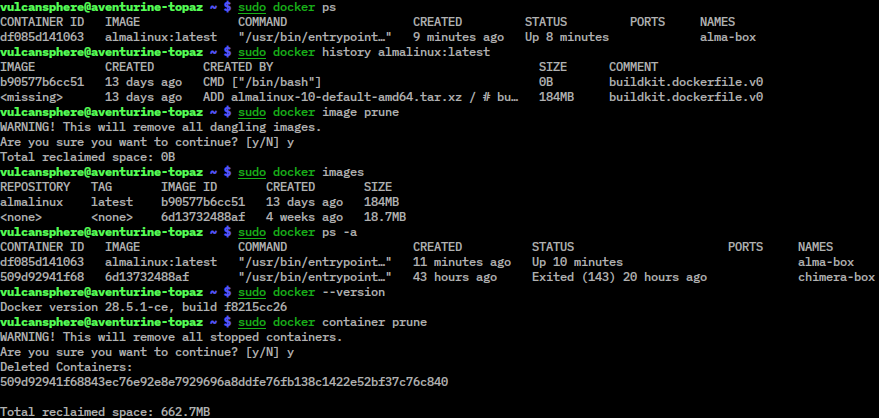 Active Docker CLI commands running in container terminal.
> Local Hypervisors
Hyper-V
Windows native hypervisor.
Type-1 bare-metal hypervisor integrated in Windows. High-performance host VM management for running automated CI/CD simulation tests locally.
VirtualBox
Cross-platform virtualization.
Allows fast local guest OS virtualization for testing cross-platform compatibility of firmware and utility scripts.
VMware Workstation Pro
Advanced hypervisor for local development.
Provides complex virtual networking configurations, virtual cloning, and robust VM snapshot management to restore clean states instantly.
// Setup & Installation Guide
# Enable Hyper-V via PowerShell (Administrator)
Enable-WindowsOptionalFeature -Online -FeatureName Microsoft-Hyper-V -All

# Create virtual switch for internal SPS communication
New-VMSwitch -Name "SPS-Internal-Bridge" -SwitchType Internal

# Allocate virtual machine for local execution unit test harness
New-VM -Name "VxWorks-Harness-VM" -MemoryStartupBytes 2GB -Generation 2
// Hypervisor GUI Screenshot
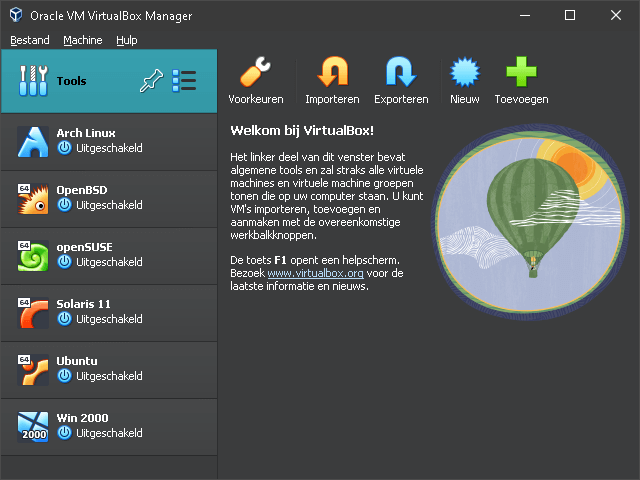 Oracle VM VirtualBox Manager interface for executing isolated target OS tests.
> Server Virtualization (Proxmox VE / vSphere)
Primary Purpose
tooling.server_virt_desc
Development Advantages
tooling.server_virt_adv
// Setup & Installation Guide
# Join Proxmox VE Host to an existing cluster via CLI
pvecm add 192.168.1.10 --link0 192.168.1.20

# Create a Qemu VM inside Proxmox with custom CPU type for emulation
qm create 200 --name "hil-build-node-1" --cores 4 --memory 4096 --net0 virtio,bridge=vmbr0
// Server Cluster Dashboard Screenshot
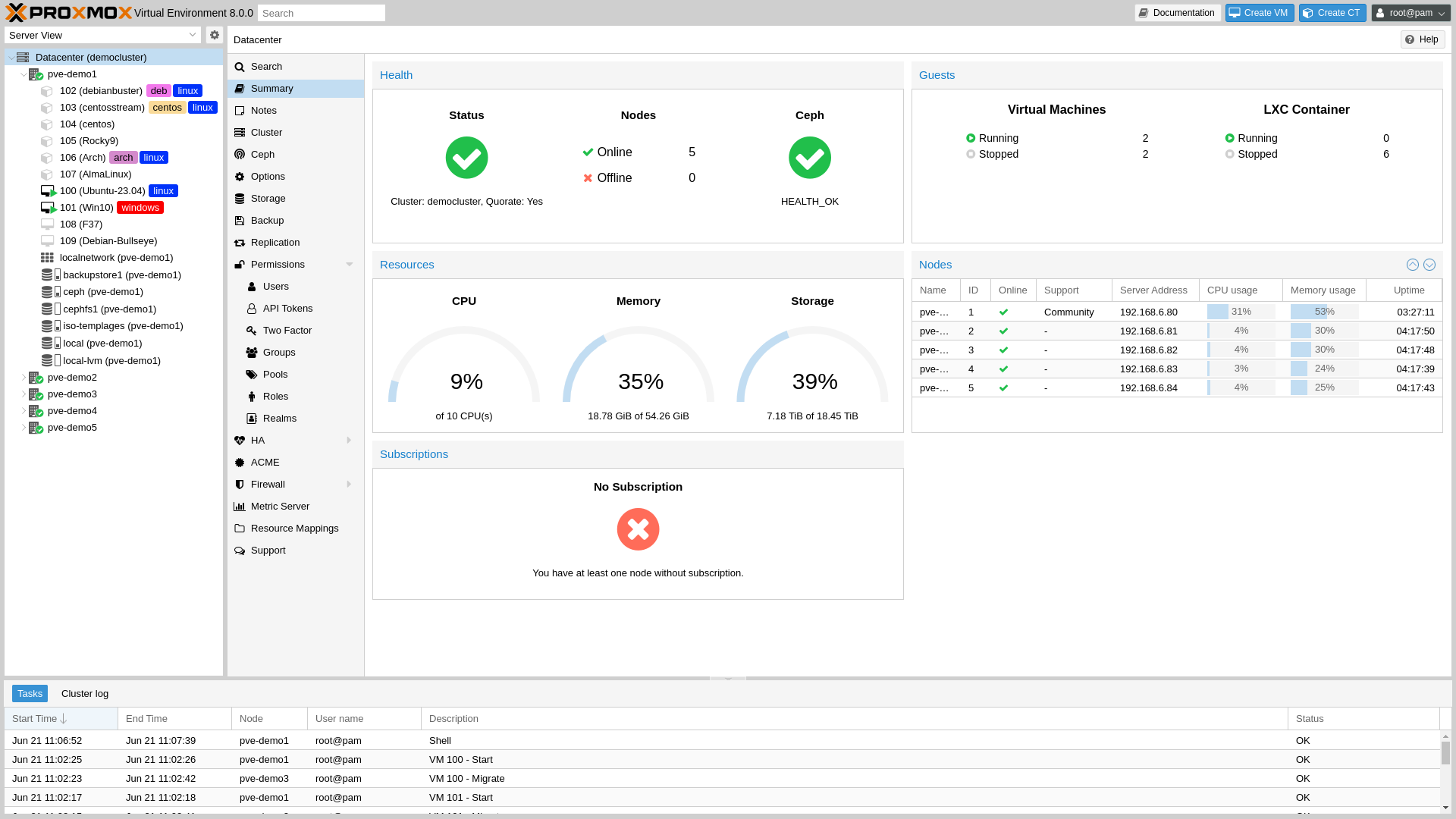 Proxmox VE Cluster Administration Console monitoring parallel executor VMs.