Development & Package Managers
// Toolchains and package management configurations
> Poetry
Official WebsitePrimary Purpose
Python dependency management and packaging.
Development Advantages
Locks dependency trees down to exact sub-package levels. Prevents dependency drift across team members and guarantees identical local/CI build environments.
// Setup & Installation Guide
installation.shShell
# Install Poetry on Linux/macOS
curl -sSL https://install.python-poetry.org | python3 -

# Install Poetry on Windows (PowerShell)
(Invoke-WebRequest -Uri https://install.python-poetry.org -UseBasicParsing).Content | python -

# Configure Poetry to create virtual environments inside project folders
poetry config virtualenvs.in-project true
Practical Integration & Usage Example
pyproject.tomlTOML
[tool.poetry]
name = "motion-testing-harness"
version = "1.0.0"
description = "Automated HIL testing for PLC (IEC 61131-3) trajectories"
authors = ["Eimen Mokchah <eimen@mokchah.de>"]

[tool.poetry.dependencies]
python = "^3.10"
pymodbus = "^3.1.0"
pytest = "^7.2.0"
pytest-asyncio = "^0.20.0"

[build-system]
requires = ["poetry-core>=1.0.0"]
build-backend = "poetry.core.masonry.api"
> Scoop
Official WebsitePrimary Purpose
Command-line installer for Windows.
Development Advantages
Installs developer toolchains in user-space without UAC prompts. Eliminates manual download and installer clicking, allowing one-click workspace bootstrapping.
// Setup & Installation Guide
install_scoop.ps1PowerShell
# Enable execution policy for current PowerShell user session
Set-ExecutionPolicy -ExecutionPolicy RemoteSigned -Scope CurrentUser

# Run the installation bootstrap script
irm get.scoop.sh | iex
Practical Integration & Usage Example
setup_workspace.ps1PowerShell
# Bootstrap script for uniform VM workspace installation
scoop bucket add extras
scoop bucket add nonportable

# Install compiler tools, python envs, and linters in one command
scoop install python git gcc make coverity-cli
scoop install vscode-portable --global
> VS Code
Official WebsitePrimary Purpose
Lightweight code editor.
Development Advantages
Enables remote coding directly on target development VMs via SSH. Out-of-the-box configurations for formatting, task running, and interactive debugging.
// Setup & Installation Guide
vscode_setup.shShell
# Install VS Code utilizing Scoop package manager
scoop install vscode

# Install essential development extensions via CLI
code --install-extension ms-python.python
code --install-extension ms-vscode.cpptools
code --install-extension ms-vscode-remote.remote-ssh
Practical Integration & Usage Example
.vscode/settings.jsonJSON
{
  "editor.formatOnSave": true,
  "editor.codeActionsOnSave": {
    "source.organizeImports": "always"
  },
  "python.formatting.provider": "black",
  "python.linting.enabled": true,
  "python.linting.pylintEnabled": true,
  "C_Cpp.clang_format_fallbackStyle": "Google",
  "terminal.integrated.defaultProfile.windows": "Git Bash",
  "remote.SSH.showLoginTerminal": true
}
// IDE GUI Screenshot
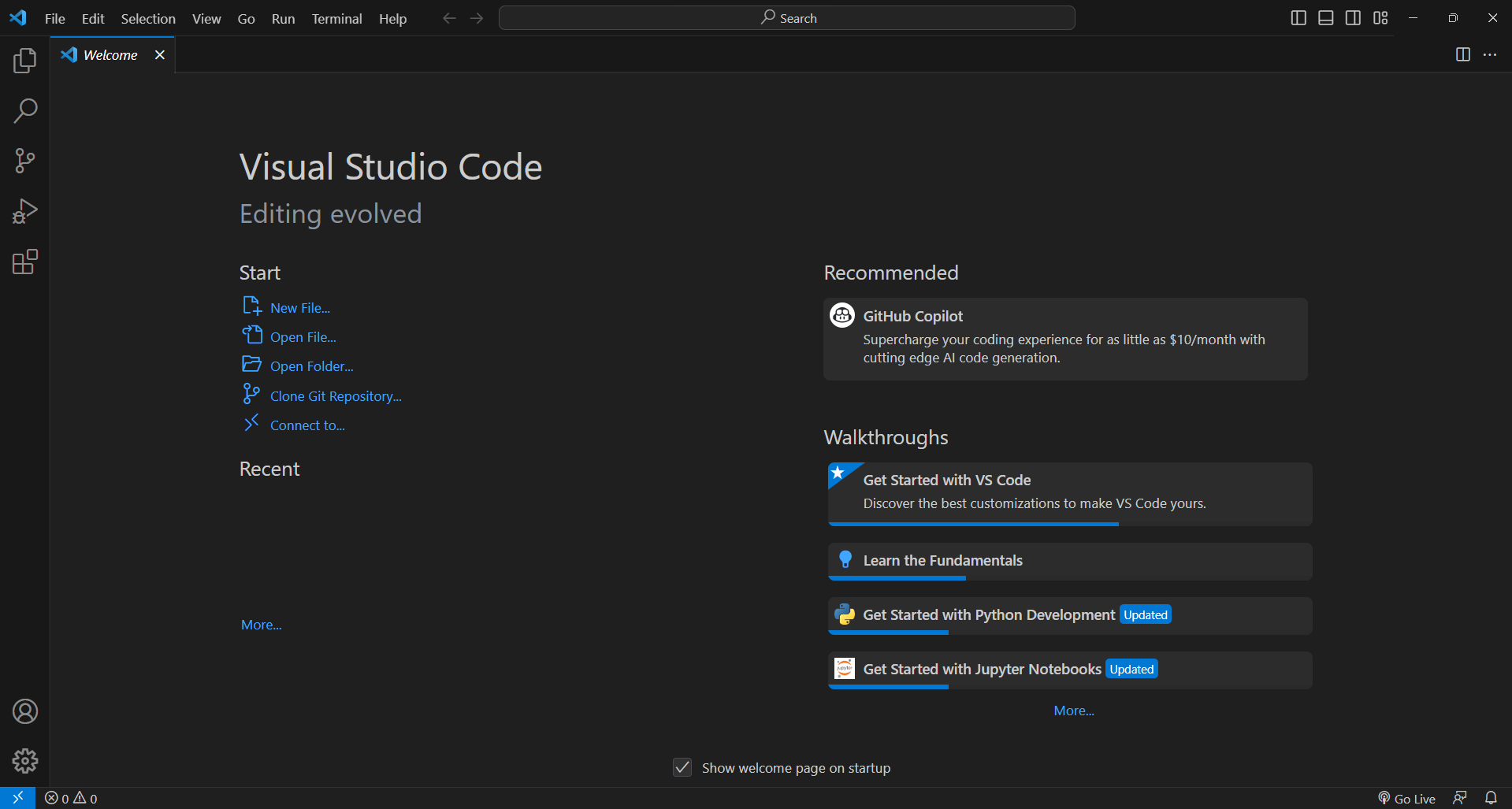 Visual Studio Code running the developer workspace.