AI & LLM Assistants
// Agentic terminals, inline assistance, and automated pipeline scripts
> Claude Code (CLI Companion)
Official WebsitePrimary Purpose
Agentic CLI companion.
Development Advantages
Performs multi-file code editing, bug hunting, and automatic refactoring directly in the terminal based on context awareness.
// Setup & Installation Guide
install_claude.shShell
# Install Claude Code CLI companion globally via npm
npm install -g @anthropic-ai/claude-code

# Authenticate with Anthropic console
claude login

# Start the agentic terminal in your workspace directory
claude
Practical Integration & Usage Example
agentic-terminal:~CLI Shell
eimen-harness-workspace$ claude "refactor PLC modbus polling to be asynchronous"
Thinking: Analyzing files under tests/...
I found a polling loop in tests/modbus_test.py. Let's make it asynchronous using asyncio.

- polling_interval = 1000 # ms
+ async def poll_sps_register():
+     while True:
+         await asyncio.sleep(1)
+         # Modbus Client calls...

Applying changes...
✓ Refactored tests/modbus_test.py
Would you like me to commit these changes? (y/n) _
> GitHub Copilot
Official WebsitePrimary Purpose
Inline AI autocomplete.
Development Advantages
Generates standard coding syntax, algorithm structures, and complete documentation comments (docstrings) in real-time as you write.
// Setup & Installation Guide
install_copilot.shShell
# Install GitHub Copilot chat and core extensions in VS Code via CLI
code --install-extension GitHub.copilot
code --install-extension GitHub.copilot-chat

# Alternatively, set up Copilot CLI companion
npm install -g @github/copilot-cli
github-copilot-cli alias --bash >> ~/.bashrc
Practical Integration & Usage Example
crc16.tsTypeScript
// Auto-complete suggestion for generating modbus CRC checksums
function calculateCRC16(data: Buffer): number {
  let crc = 0xFFFF;
  for (let i = 0; i < data.length; i++) {
    crc ^= data[i];
    for (let j = 0; j < 8; j++) {
      if ((crc & 0x0001) !== 0) {
        crc = (crc >> 1) ^ 0xA001; // Polynomial
      } else {
        crc >>= 1;
      }
    }
  }
  return crc;
}
// AI-Assisted IDE Screenshot
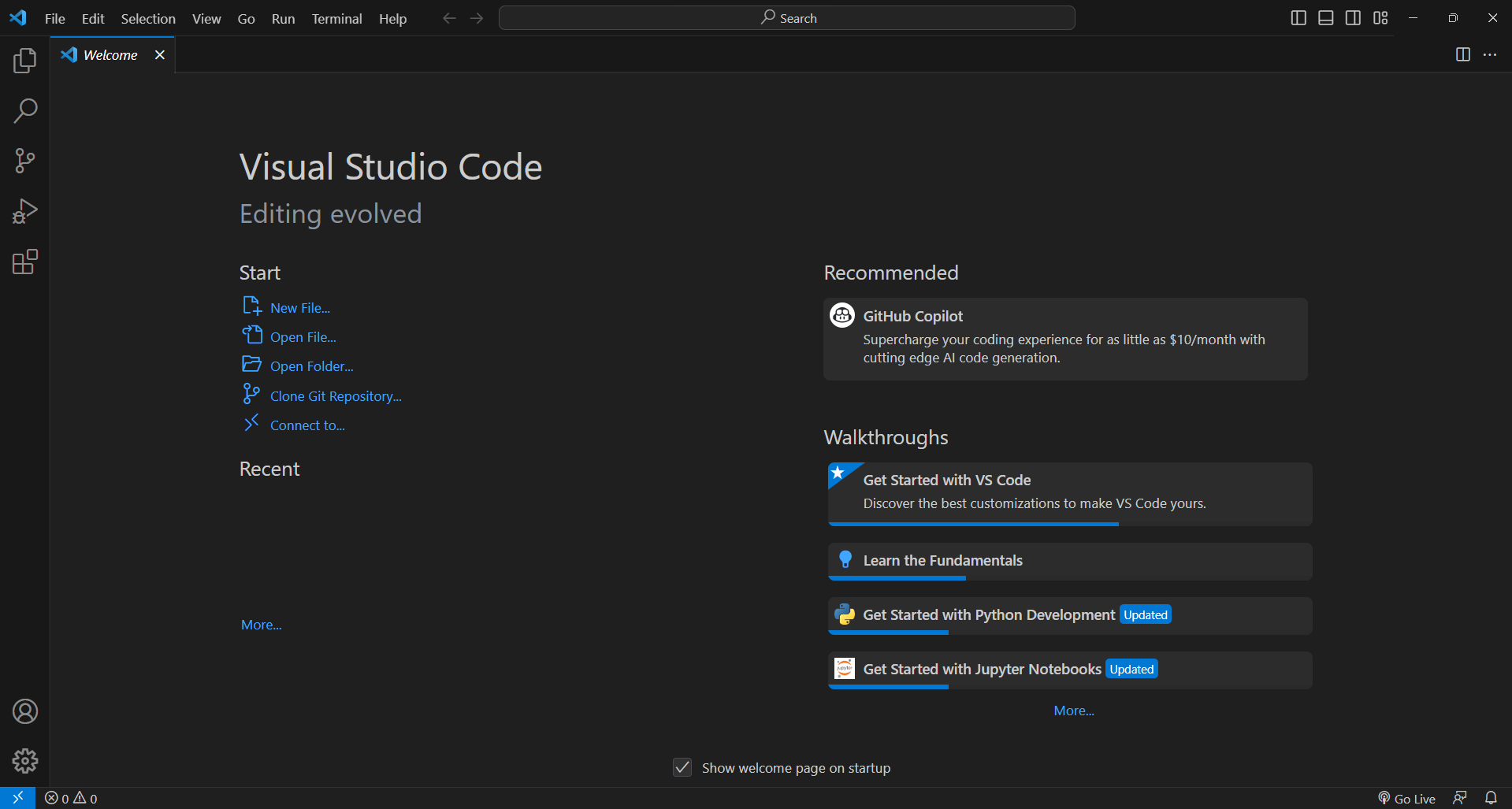 Visual Studio Code editor workspace with inline AI completions.
> Open Code (Ollama / Local LLMs)
Official WebsitePrimary Purpose
Open-source AI integrations.
Development Advantages
Ensures complete data privacy by running AI models locally. Ideal for offline development and working on restricted corporate codebases.
// Setup & Installation Guide
ollama_setup.shShell
# Download and run Ollama setup bootstrap on Linux/macOS
curl -fsSL https://ollama.com/install.sh | sh

# Pull high-performance local developer LLM
ollama pull qwen2.5-coder:7b

# Run local API endpoint for offline VS Code extensions
ollama run qwen2.5-coder:7b
Practical Integration & Usage Example (Continue Config)
config.jsonJSON
[Local Ollama API - VS Code Continuation Configuration]
{
  "continue.adapters": [
    {
      "title": "Local Qwen Coder",
      "provider": "ollama",
      "model": "qwen2.5-coder:7b",
      "apiBase": "http://localhost:11434"
    }
  ]
}
> Gemini CLI (Google AI SDK)
Official WebsitePrimary Purpose
Google's AI accessed via terminal.
Development Advantages
Handles massive context sizes (millions of tokens). Useful for writing terminal scripts that audit entire git diffs for security violations before PR merge.
// Setup & Installation Guide
gemini_setup.shShell
# Install official Google AI Python library
pip install google-generativeai

# Expose Gemini credential environment variable
export GEMINI_API_KEY="your-google-api-key-here"
Practical Integration & Usage Example (Pipeline Auditor)
security_audit.pyPython
import google.generativeai as genai
import os

# Configure client credentials
genai.configure(api_key=os.environ["GEMINI_API_KEY"])

# Initialize Gemini flash model
model = genai.GenerativeModel("gemini-1.5-flash")

# Trigger security audit on CI pipeline files
with open(".gitlab-ci.yml", "r") as f:
    pipeline_content = f.read()

response = model.generate_content(
    f"Analyze this GitLab CI file for security leaks and recommend hardening:\n\n{pipeline_content}"
)
print(response.text)